|
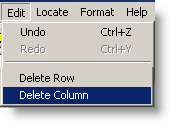
In Spread Report Design, used to delete (remove) an entire column(s) from the report. |
 |
Steps to Delete a Column:
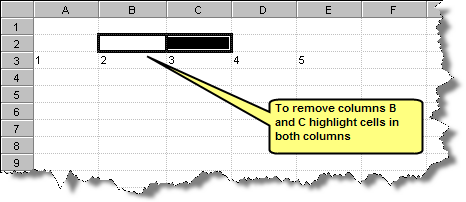
- Highlight Cells in the columns you want to remove:
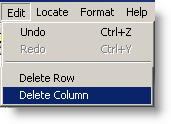
- Click Edit, Delete Column on the menu:
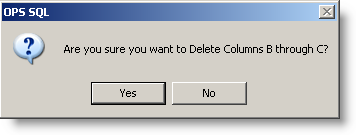
- You will be prompted for confirmation, click Yes.
- Columns are removed:
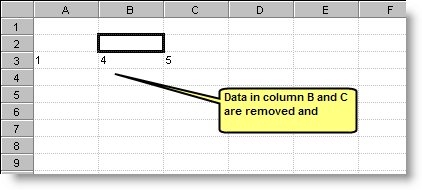
NOTES:
Formulas will be updated accordingly. For example, formulas that refered to D before we deleted columns B and C will now refer to B.