|
|
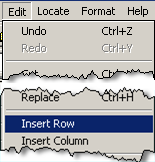
In Spread Report Design, used to insert a row or rows into the report. |
 |
Steps to Insert a Row:
- Highlight Cells in the columns you want to insert into:
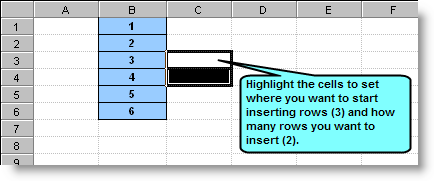
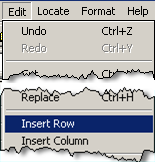
- Click Edit, Insert Row on the menu:
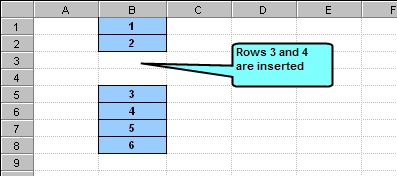
- Rows are inserted:
NOTES:
Formulas will be updated accordingly. For example, formulas that referred to row 3 before we inserted will now refer to row 5.
|